
Simple Notes Sync - Privacy-First Note-Taking
Built because existing note apps either lock you into their cloud or require complex self-hosted setups. Needed something that works offline, syncs to a server you control, and doesn’t drain your battery.
What’s New in v1.8.2
The app has evolved significantly since the initial Compose rewrite. Here’s where things stand today:
Glance Widgets (v1.7+) – homescreen widgets built with Jetpack Glance show your latest notes or a quick-add button, styled with Material 3 Dynamic Colors to match your wallpaper.
True Offline-First Architecture – local file-based JSON storage is the single source of truth. Create, edit, and delete notes without any connectivity. Sync happens automatically via WorkManager when WiFi is available.
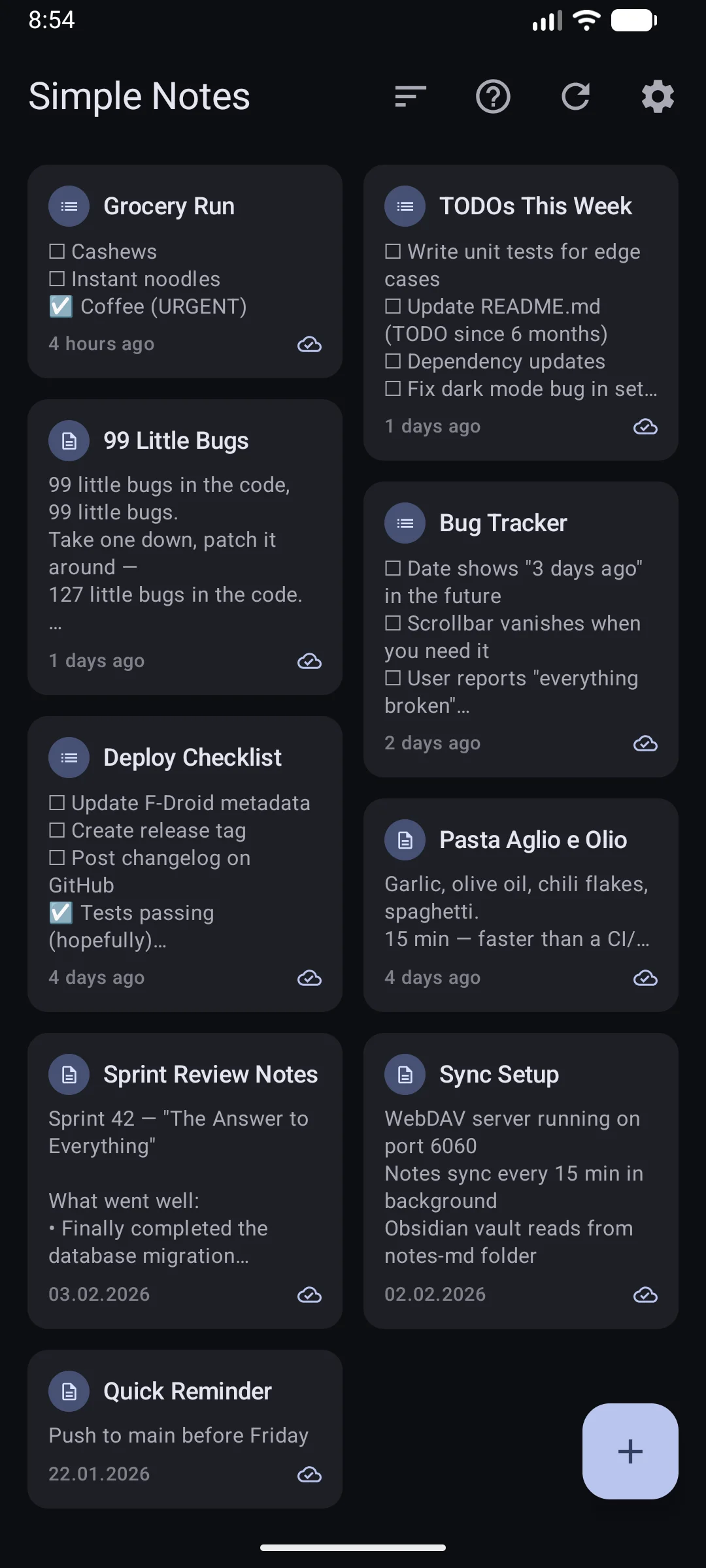
Interactive Checklists – tap to toggle, long-press to reorder, auto-sort checked items to the bottom. Exports as GitHub-flavored Markdown (checked/unchecked task syntax), full round-trip compatible with Obsidian.
Swipe Gestures & Undo – swipe-to-delete with a Snackbar undo window. Batch operations via selection mode for deleting or exporting multiple notes at once.
Smart Conflict Resolution – E-Tag caching makes syncs ~20× faster. When conflicts arise, UUID + timestamp logic ensures no data is silently lost.
Full Feature Set
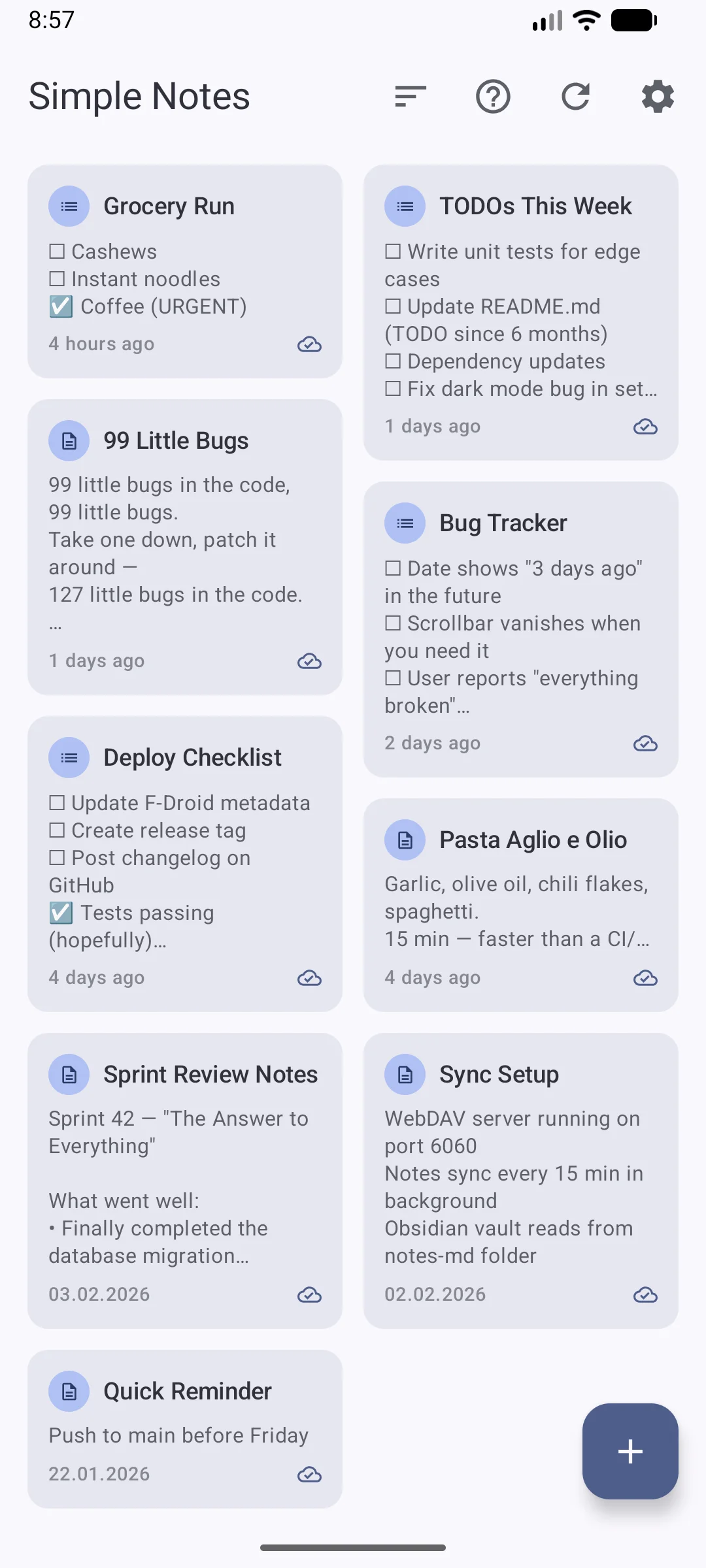
- Jetpack Compose UI – modern Material Design 3 interface with smooth animations
- Glance Homescreen Widgets – quick note access and creation from the launcher
- Dynamic Colors – adapts to your wallpaper on Android 12+ (Material You)
- Interactive Checklists – tap, reorder, auto-sort, Markdown export
- Swipe-to-Delete with Undo – accidental deletion protection via Snackbar
- Offline-First – works fully without internet, local storage is always authoritative
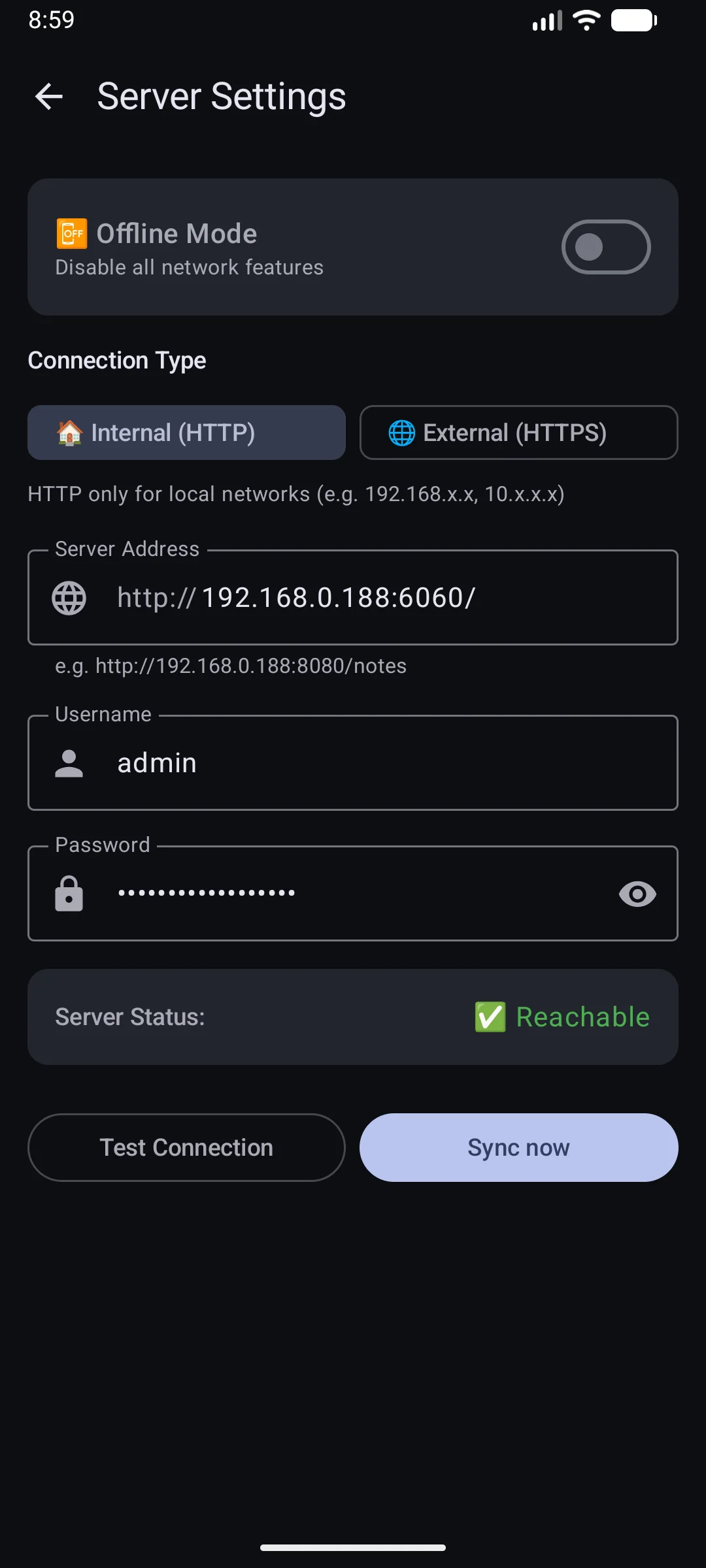
- WebDAV Sync – compatible with Nextcloud, ownCloud, or any WebDAV server
- Configurable Sync Intervals – 15 / 30 / 60 minutes, WiFi-only option
- Battery Optimized – ~0.2–0.8 % per day, Doze Mode compatible via WorkManager
- Multilingual – English + German, 400+ translated strings, automatic detection
- Desktop Integration – Markdown export for VS Code, Typora, Obsidian
- Selection Mode – batch delete, export, or manage multiple notes
- Self-Hosted Backend – 5-minute Docker setup, your data stays on your server
- Zero Tracking – no analytics, no telemetry, no third-party services
- Available on F-Droid – fully open-source, reproducible builds
Architecture
Android App – Kotlin, Jetpack Compose, MVVM with StateFlow, file-based JSON persistence via
NotesStorage, WorkManager for reliable background sync even in Doze Mode. Min SDK 24 (Android 7.0).
Glance Widgets – GlanceAppWidget + GlanceAppWidgetReceiver with a dedicated
WidgetViewModel. Independent data flow so widgets stay responsive even when the app is closed.
WebDAV Protocol – standardized, widely supported, no custom server needed.
Included Docker setup uses bytemark/webdav with automatic HTTPS via reverse proxy.
Storage Model – file-based JSON locally (no SQL database), JSON files in /notes/ on the server,
optional Markdown in /notes-md/ for desktop editing. Each note has a UUID and timestamps for conflict resolution.
Setup Time – 5 minutes for the server (Docker one-liner), 2 minutes for app configuration.
- PLATFORMAndroid 7.0+ (Self-Hosted Backend)
- STACKKotlin, Jetpack Compose, Material Design 3, Glance Widgets, WebDAV, Docker
- GITHUB https://github.com/inventory69/simple-notes-sync
- F-DROID https://f-droid.org/packages/dev.dettmer.simplenotes/
- DOWNLOAD https://github.com/inventory69/simple-notes-sync/releases/latest